






Platform capabilities

Vaniyo ERP Features for Restaurant and Retail Businesses

One platform covering the counter, the kitchen, the stockroom and the back office — billing, inventory, production, purchasing, customers, staff and GST reporting, across every branch you run.

What Vaniyo actually does for your business

Most operators do not run one system. They run a billing machine, a stock register, a kitchen ticket spike, a supplier notebook, a staff attendance sheet and an accountant's spreadsheet — and spend their week reconciling them. Vaniyo replaces that with a single record: a bill raised at the counter moves stock, feeds the day's GST report, updates the customer's history, and rolls into the branch's numbers without anyone re-entering it.

This page covers what the platform lets you do. If you want the product broken down area by area instead, the modules page lists all thirteen modules and what sits inside each one.

Core capabilities

From the billing counter to the branch report

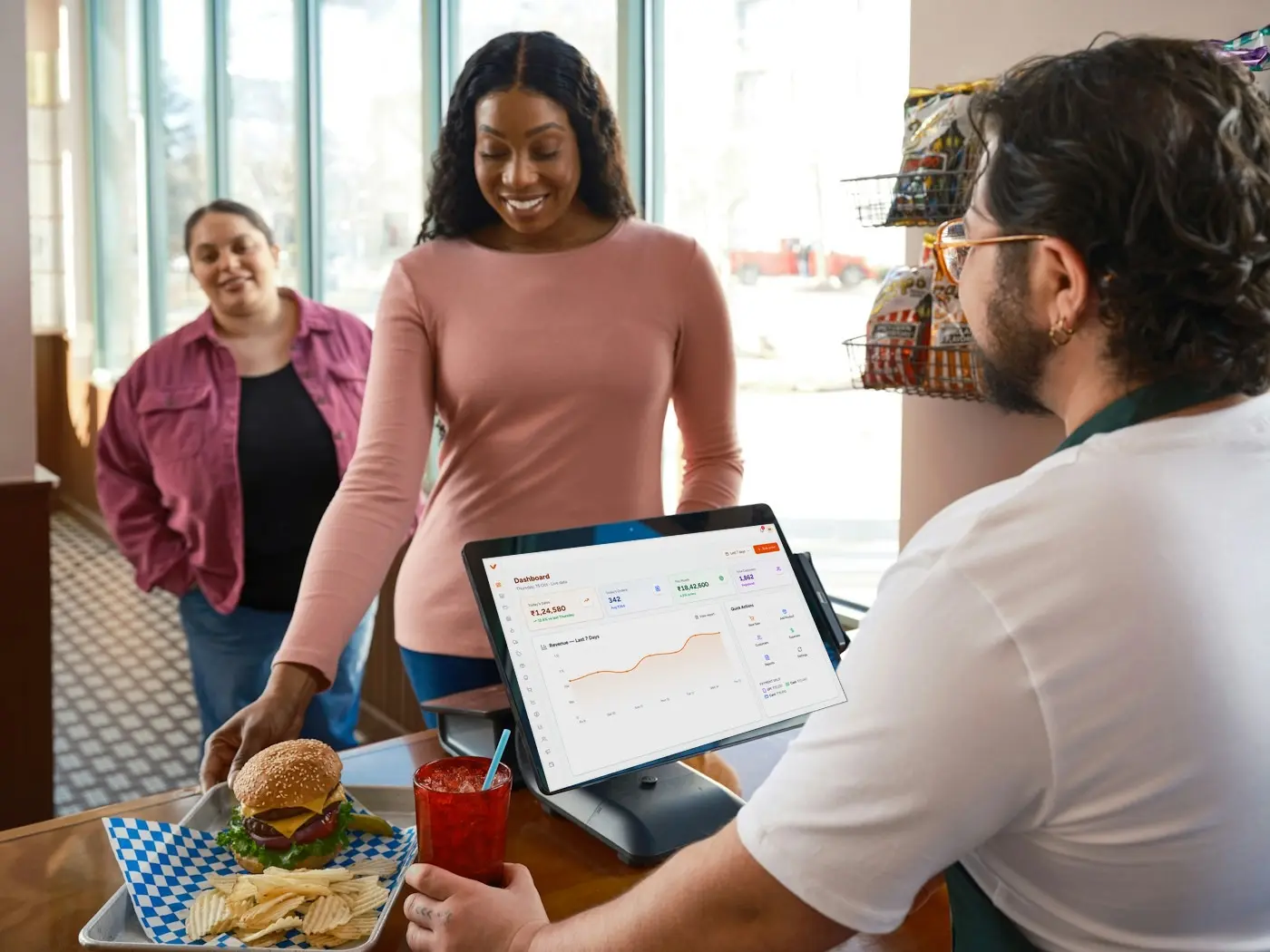
POS billing at the counter

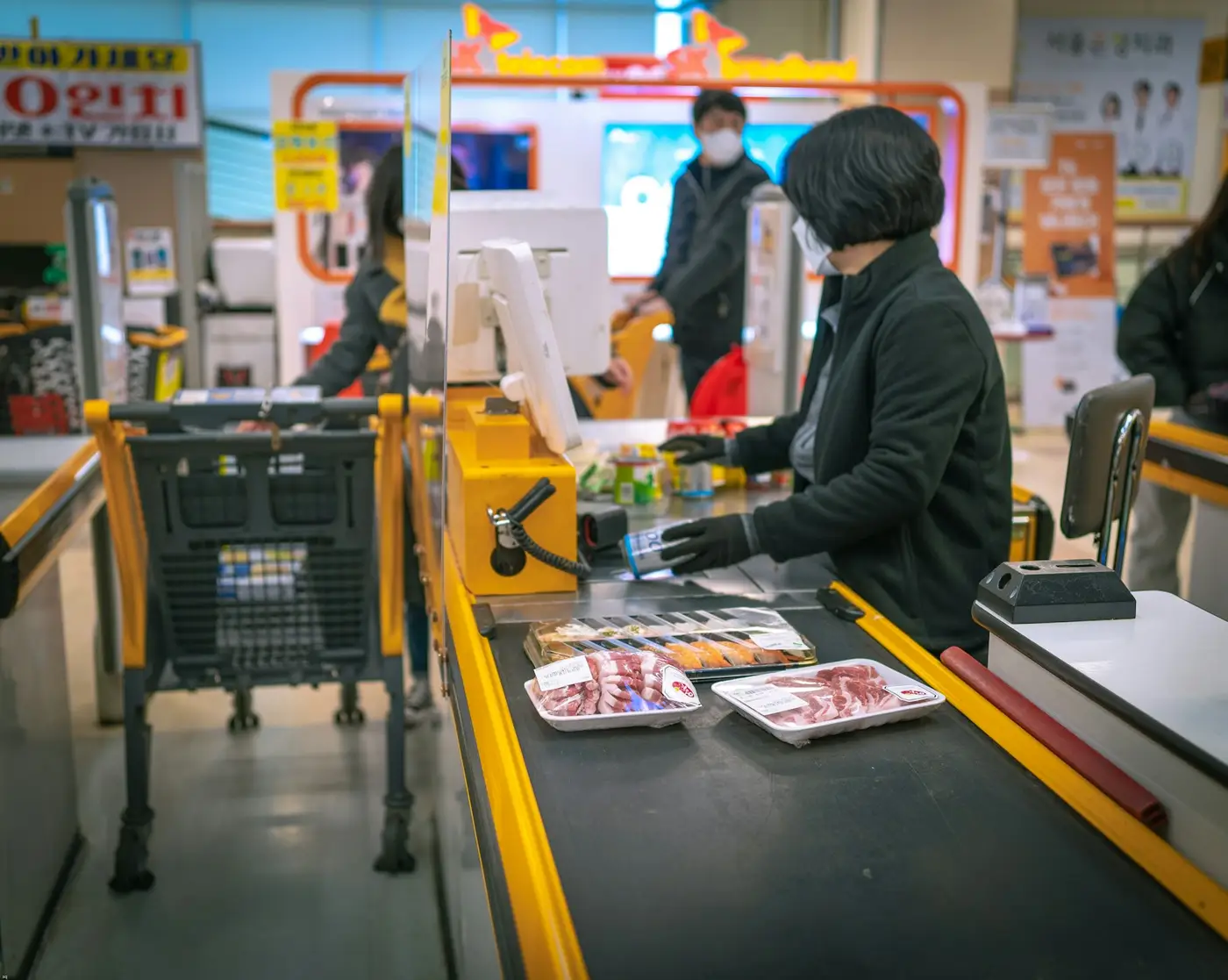
Ring up a sale with cash, UPI, card or customer credit, apply a discount, and print or send the invoice. Weighing-scale input, keyboard shortcuts and a billing queue keep a busy counter moving, and the same screen handles dine-in, takeaway and retail checkout.

POS billing software

Inventory and stock control

Stock levels move as bills are raised, so raw materials and finished goods stay accurate without a manual count. Batches carry expiry dates, low-stock alerts fire before an item runs out, and every movement leaves a history you can trace back to a bill or a purchase.

Inventory management

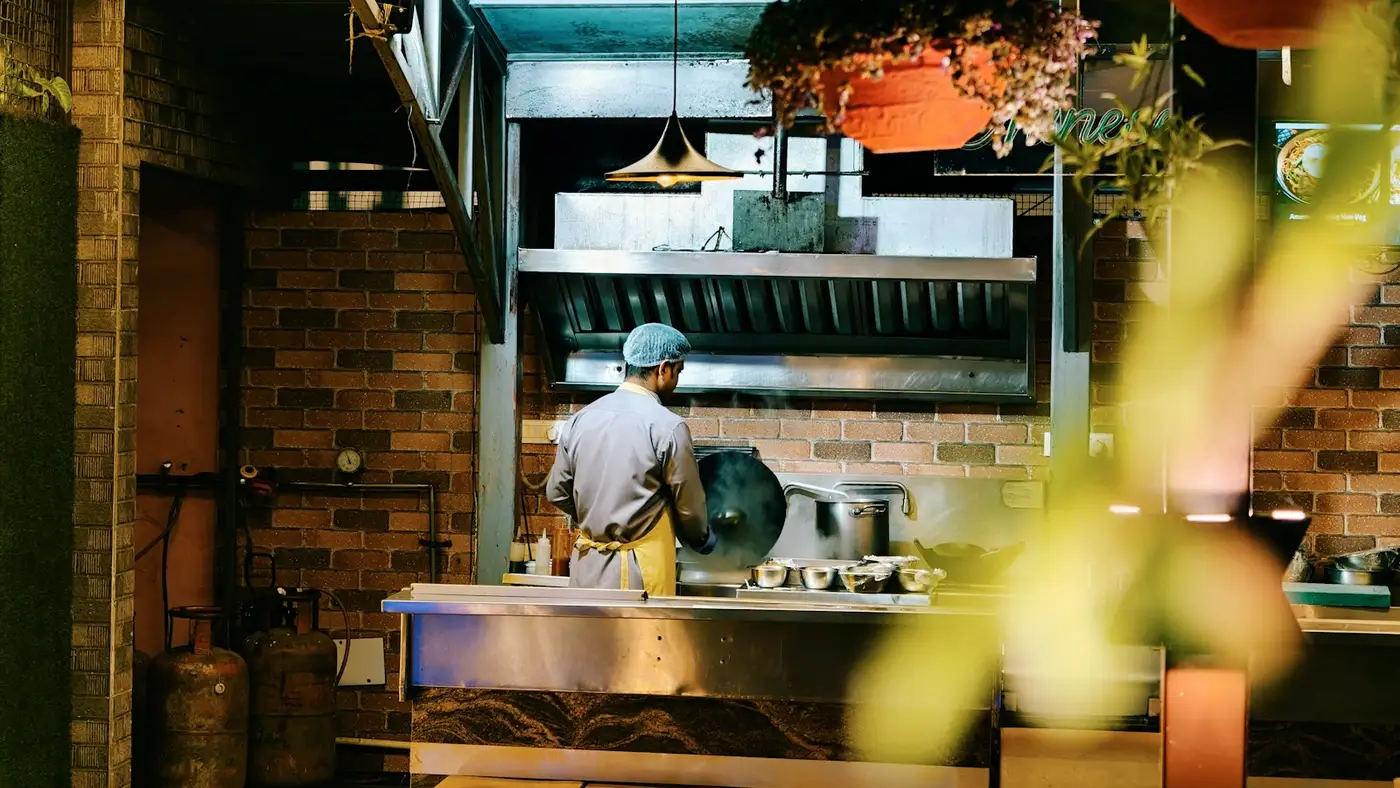
KOT and kitchen display

Orders reach the kitchen as digital tickets instead of printed KOT slips. Screens filter by station, tickets move from new to preparing to ready, and colour-coded elapsed time shows which order has been waiting too long.

Kitchen display system

Production and recipe costing

Define a recipe once and raise production orders against it. Raw materials are deducted automatically, wastage is recorded on the run, and planned output sits next to actual output so you can see what a batch really cost to make.

Recipe and production management

Purchasing and suppliers

Raise a purchase order, record the goods receipt note against it, and track what you still owe each supplier. Expenses and payment history sit with the supplier profile rather than in a separate book.

Purchase and supplier management

Customer records and CRM

Every bill can attach to a customer, building purchase history, outstanding credit and a view of who spends the most. Loyalty and campaign tools work from the same customer list, so you are not maintaining a second one.

Customer CRM

Staff, roles and payroll

Role-based access decides what a cashier, a kitchen user and a manager can each open. Attendance feeds a monthly, daily or hourly salary structure, and payslips are generated from the same record. Staff sign in with an OTP rather than a shared password.

Staff and payroll

GST reporting and exports

Bills are raised GST-ready, so tax reporting reads the same data your counter produced. Day-end, product-wise and period sales reports export to Excel for your accountant without a re-entry step.

GST billing software

Multi-branch management

Run more than one outlet from one account, with per-branch settings, print templates and permissions. Sales and stock roll up across branches so a chain is reviewed as one business, not as several spreadsheets.

Multi-outlet management

Two business models, one platform

The same features behave differently in a kitchen and on a shop floor

A restaurant bills an order that has to be cooked. A retail counter bills stock that already exists. Vaniyo runs both from one account, and a business that does both does not need two systems.

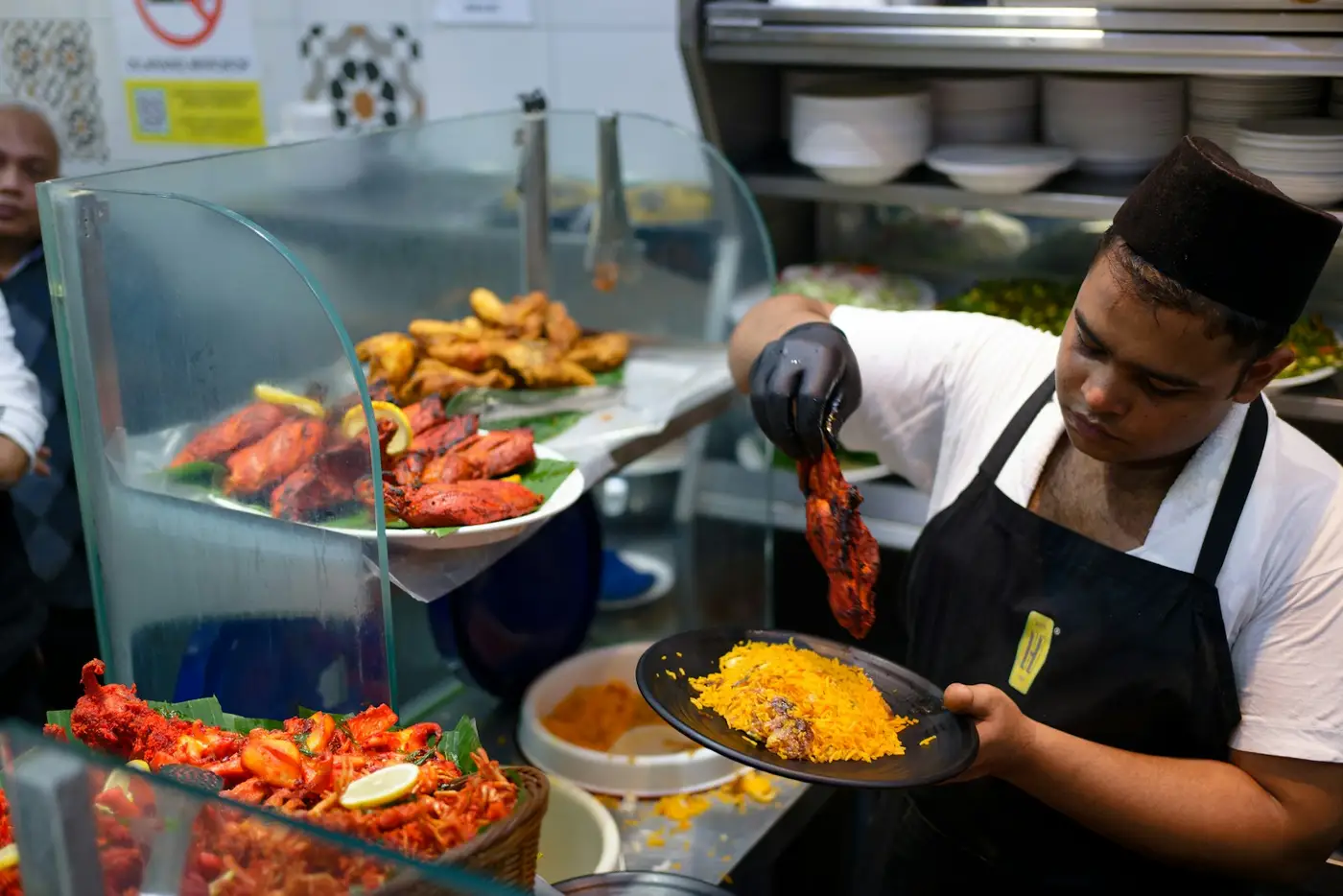
Running a restaurant

  • Table layout with seat-wise ordering and table status
  • KOT routed to the right kitchen station, on screen
  • Swiggy and Zomato orders in the same order inbox as counter orders
  • Recipe-driven deduction of raw materials as dishes are sold
  • Day-part and hourly sales for staffing and prep planning
Restaurant ERP in detail

Running a retail store

  • Barcode-driven checkout against a product catalogue
  • Batch and expiry tracking, with printable shelf and price labels
  • Weight-based items billed alongside piece-priced ones
  • Supplier purchase orders and goods receipt against stock
  • Customer credit and outstanding dues on the counter screen
Retail ERP in detail

How it fits together

One sale, followed all the way through

  1. 1

    A customer orders

    The bill is raised at the counter, or the order is taken at a table, or it arrives from an online marketplace. All three land in the same order list.

  2. 2

    The kitchen or the shelf responds

    A restaurant order becomes a ticket on the kitchen screen. A retail sale simply moves the item off the shelf.

  3. 3

    Stock adjusts itself

    Finished goods come off stock directly. Cooked items come off through their recipe, so the raw materials behind the dish are deducted too.

  4. 4

    Purchasing sees the gap

    When stock falls past its threshold the alert is there when you plan the next purchase order, against the supplier you already buy from.

  5. 5

    The customer record grows

    The bill attaches to the customer, adding to purchase history and to any outstanding credit.

  6. 6

    The day closes with numbers, not guesswork

    Day-end sales, product performance, staff hours and GST-ready tax reporting all read the same bills — per branch, or across every branch at once.

FAQ

Questions about Vaniyo features

Ready to Run Your Business Smarter?

All 13 modules. One platform. Built for restaurants and retail businesses like yours. Get a free personalized demo today.